Brand Overview
QRTick is an all-inclusive digital ticketing solution designed for technology events, conferences, and fundraising events in Jamaica. The platform handles the entire ticketing process from setup to check-in at the door, allowing event organizers to focus on content and attendee experience rather than ticketing logistics.
Brand Positioning
QRTick positions itself as the comprehensive solution for "seamless event management" in Jamaica, offering a modern digital ticketing platform with significant operational benefits tailored to the unique needs of technology conferences, fundraising events, and community gatherings.
Core Value Proposition
"Leave the ticketing logistics to us and deliver a frictionless event experience"
Target Audience
- Technology conference organizers
- Tech meetup groups
- Hackathon organizers
- Developer communities
- IT training providers
- Corporate tech events
- Tech startup showcases
- Fundraising event organizers
- Charity and nonprofit organizations
- Community gathering coordinators
- Cultural event planners
Brand Voice & Tone
The QRTick brand voice should consistently reflect these characteristics:
- Tech-savvy and professional - Demonstrate understanding of technology and events
- Solution-focused with technical precision - Clear, accurate, and helpful
- Understanding of tech event organizers' challenges - Empathetic to their specific needs
- Emphasis on efficiency, security, and data-driven insights - Highlight these core values
DO
- Use clear, precise language that demonstrates technical understanding
- Focus on solutions and benefits for event organizers
- Highlight data-driven insights and efficiency gains
- Maintain a professional but approachable tone
DON'T
- Use overly casual or slang terminology
- Oversimplify technical concepts for the tech-savvy audience
- Make vague claims without supporting data
- Use jargon that's not relevant to the tech event space
Key Messaging
- "All-Inclusive Ticketing for Seamless Events"
- "Handle complex event logistics with ease"
- "Focus on content and attendees, we'll handle the registration"
- "Launch your event in 5 business days"
- "Data-driven insights for continuous event improvement"
- "Connect communities with frictionless experiences"
- "Maximize fundraising potential with streamlined ticketing"
- "Support your cause with efficient event management"
Visual Identity
Logo
The QRTick logo combines "QR" (quick response code) with "Tick" (checkmark/verification), visually representing the core functionality of the platform.
QRTick Icon
The QRTick icon is a distinctive brand element featuring a stylized Q-shape with layered design elements. The dark gray Q-shaped outline contains a golden yellow inner rectangle with a small upward-pointing triangle, creating a modern, tech-forward aesthetic that represents the platform's innovative approach to digital ticketing.
Color Palette
The QRTick color palette uses a sophisticated dark gray and vibrant gold combination that creates a modern, professional aesthetic.
Brand Dark Gray
HEX: #3D3939
RGB: 61, 57, 57
Brand Gold
HEX: #FDC230
RGB: 253, 194, 48
Off White
HEX: #FFF9EA
RGB: 255, 249, 234
Light Gray
HEX: #EEEEEE
RGB: 238, 238, 238
Color Usage
- Brand Dark Gray (#3D3939): Primary brand color, used for text, headers, navigation, footers, and backgrounds
- Brand Gold (#FDC230): Accent color, used for buttons, highlights, borders, and calls to action
- Off White (#FFF9EA): Background color, provides a warm, inviting feel
- Light Gray (#EEEEEE): Secondary background color, used for subtle differentiation
Typography
QRTick uses Montserrat, a clean, geometric sans-serif typeface that provides excellent legibility and a modern, professional appearance.
Primary Font: Montserrat
Regular (400)
ABCDEFGHIJKLMNOPQRSTUVWXYZ
abcdefghijklmnopqrstuvwxyz
1234567890
Medium (500)
ABCDEFGHIJKLMNOPQRSTUVWXYZ
abcdefghijklmnopqrstuvwxyz
1234567890
Semibold (600)
ABCDEFGHIJKLMNOPQRSTUVWXYZ
abcdefghijklmnopqrstuvwxyz
1234567890
Bold (700)
ABCDEFGHIJKLMNOPQRSTUVWXYZ
abcdefghijklmnopqrstuvwxyz
1234567890
Secondary Font: Monospace (for code and technical elements)
Regular
ABCDEFGHIJKLMNOPQRSTUVWXYZ
abcdefghijklmnopqrstuvwxyz
1234567890
Typography Usage
- Headings: Montserrat Bold (700) or Semibold (600)
- Subheadings: Montserrat Medium (500)
- Body Text: Montserrat Regular (400)
- Technical Information: Monospace
Technical Elements
When displaying codes or technical information, use the following styling:
QRTICK-EVENT-2025-04
Downloadable Assets
The following assets are available for download and use in your creative work for QRTick:
Complete Asset Packages
Download all assets in convenient packages for your projects
Logos
QRTick Logo (512px PNG)
High-resolution logo for digital use
Download
QRTick Logo (256px PNG)
Medium-resolution logo for digital use
Download
QRTick Alt Logo (512px PNG)
High-resolution alternative logo for dark backgrounds
Download
QRTick Alt Logo (256px PNG)
Medium-resolution alternative logo for dark backgrounds
Download
QRTick Alt Logo (128px PNG)
Small-resolution alternative logo for dark backgrounds
Download

All Alt Logo Formats
Icons and QR Code
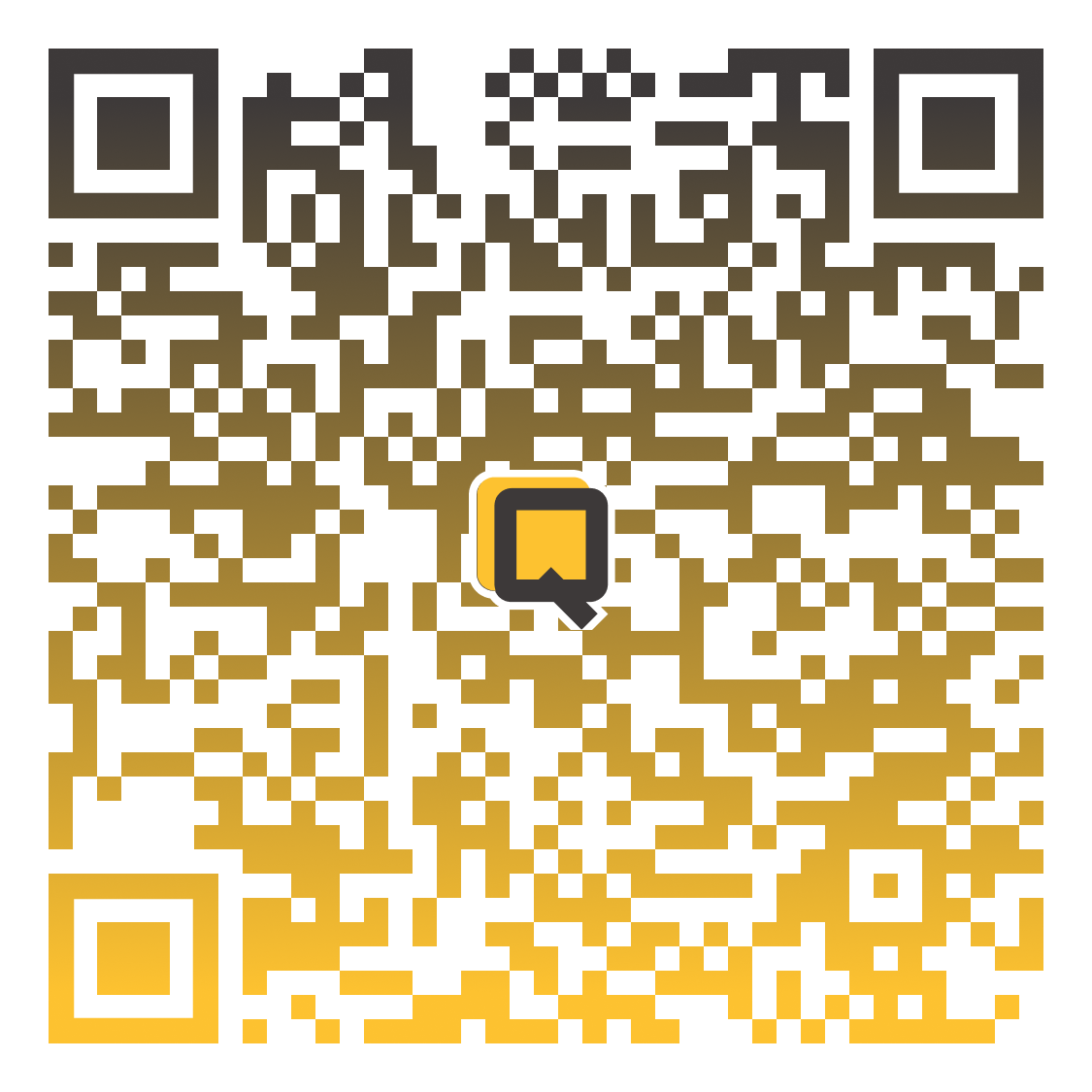
QRTick QR Code
QR code for Android app
Download
QRTick Icon (512x512)
Large icon for digital use
Download
QRTick Icon (192x192)
Medium icon for digital use
Download
QRTick Icon (180x180)
iOS app icon size
Download
QRTick Icon (152x152)
Small icon for digital use
Download
QRTick Icon
Distinctive Q-shaped brand icon with layered design
Download
Usage Guidelines
Logo Usage
DO
- Maintain the logo's proportions when resizing
- Ensure adequate spacing around the logo
- Use the logo on appropriate backgrounds that maintain visibility
- Use the full-color logo when possible
DON'T
- Stretch or distort the logo
- Change the logo colors
- Add effects like shadows or glows
- Place the logo on busy backgrounds that reduce visibility
Color Usage
DO
- Use the brand colors consistently across materials
- Use Brand Gold (#FDC230) for calls to action and important highlights
- Use Brand Dark Gray (#3D3939) for headers, text, and primary elements
- Pair Brand Dark Gray backgrounds with Brand Gold text for high-impact elements
- Ensure text has sufficient contrast with background colors
DON'T
- Use colors outside the brand palette
- Use colors in ways that reduce readability
- Overuse the accent colors
- Create color combinations that clash or vibrate
Call to Action Examples
Complete CTA Section Example
Ready to Streamline Your Event Registration?
QRTick makes managing your fundraising event simple and efficient. Get started today and focus on what matters most—your cause and your attendees.
Typography Usage
DO
- Use the specified fonts consistently
- Maintain hierarchy with appropriate font weights
- Ensure text is legible at all sizes
- Use monospace font for code and technical elements
DON'T
- Mix too many font weights or styles
- Use fonts not specified in the brand guide
- Use text sizes that are too small to read
- Create long blocks of text without proper spacing